
Blog · Shipped
Put your shop on any website
Many merchants already have a website: a blog, a portfolio, a page on a site builder. Until now, selling there meant sending visitors away to a separate shop link. Now you paste two lines of code and the shop appears on your page.
It's the same shop that AI agents and Google read. One catalog, one checkout, one set of orders.
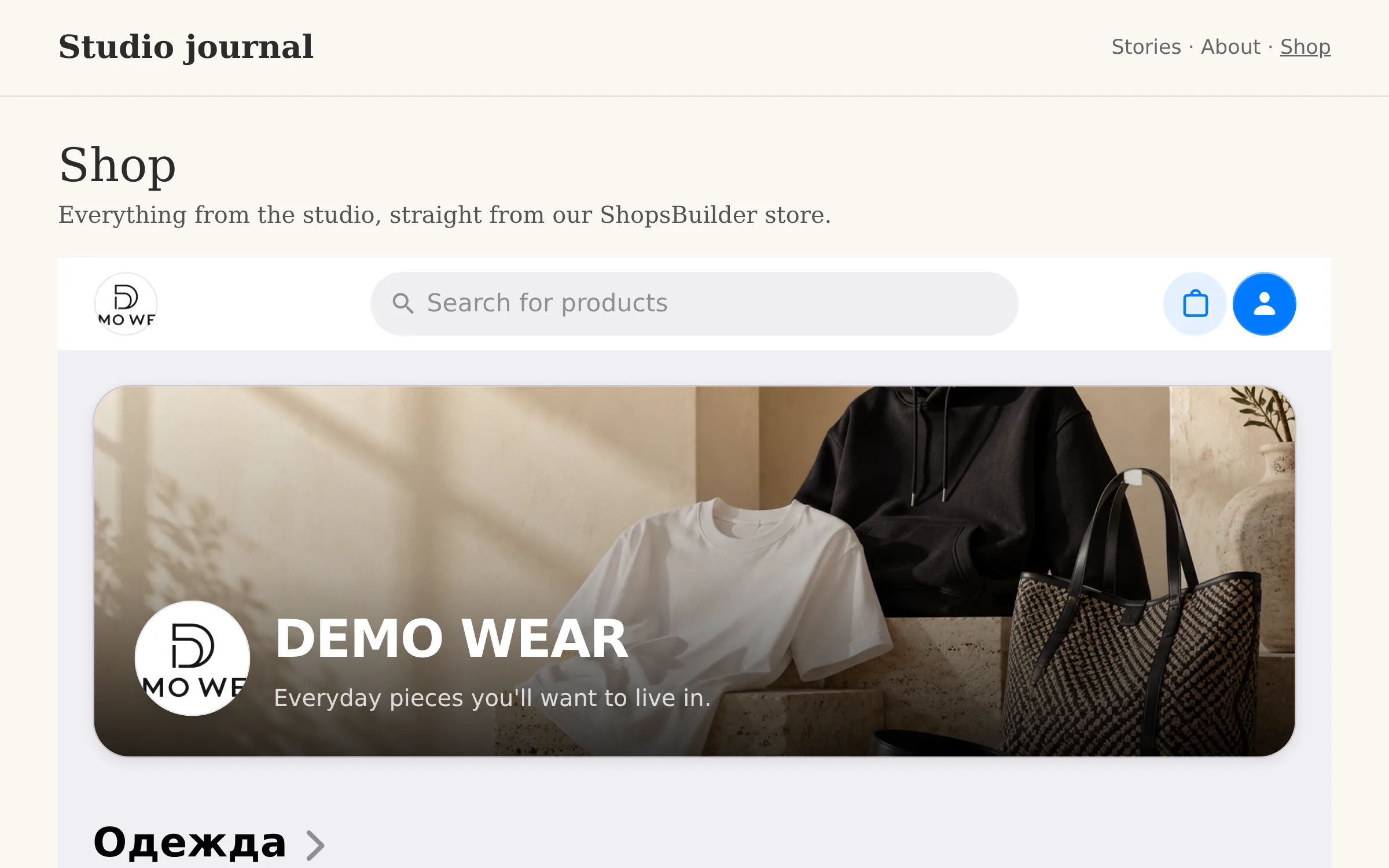
Add it to your site
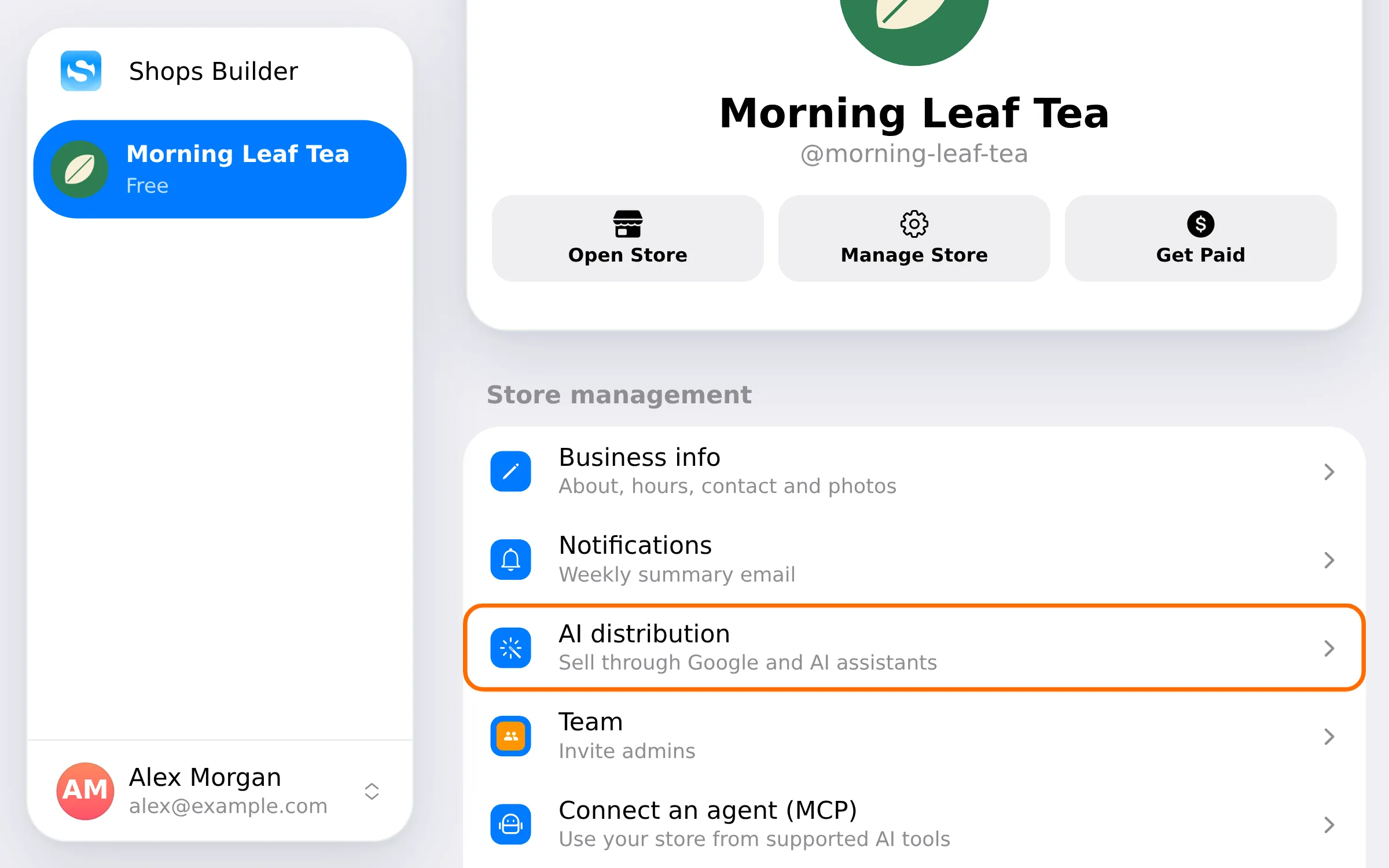
- In the Builder, open your shop and choose AI distribution.
- Under Embed on your site, select Copy.
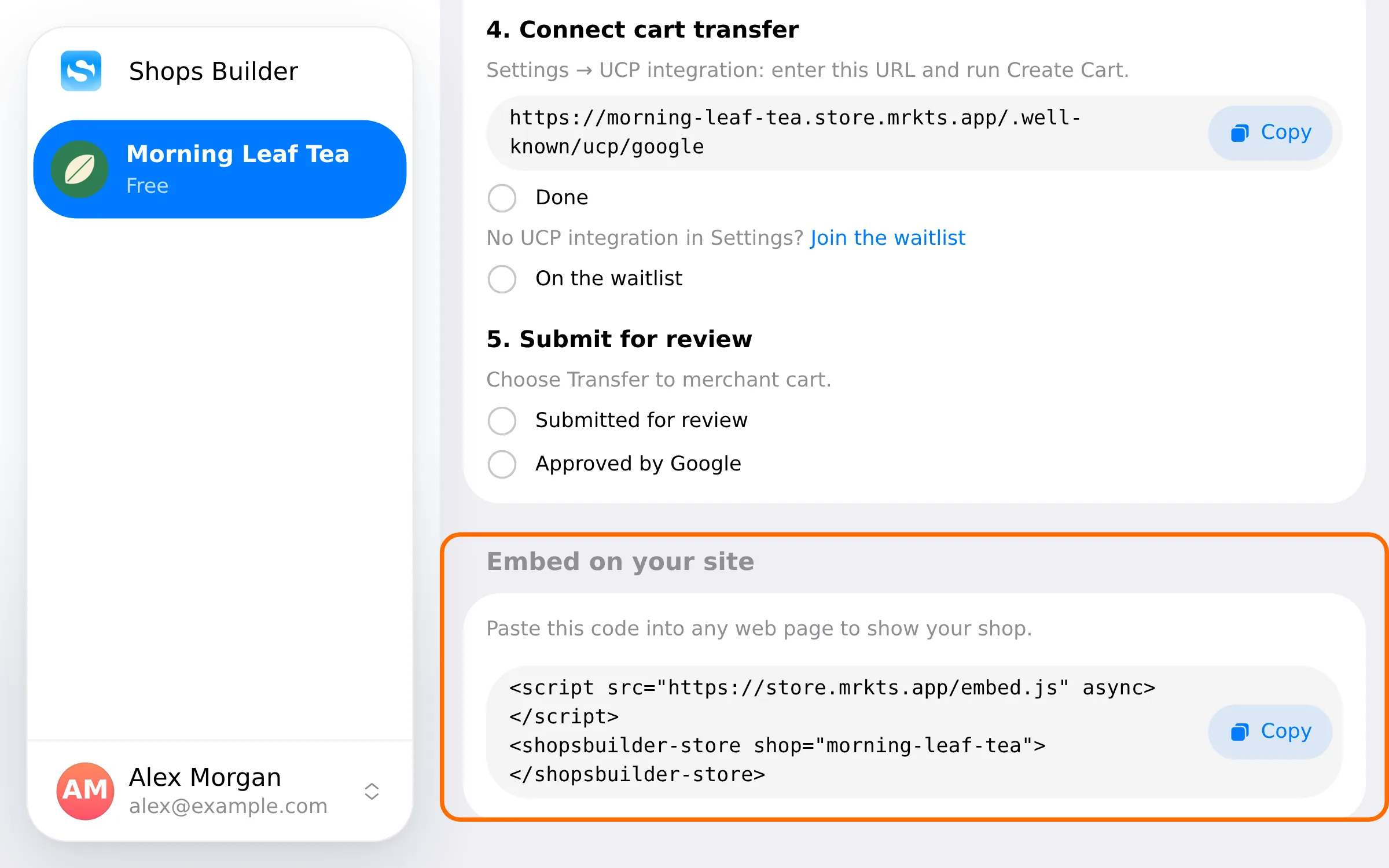
- Paste the code into your page where the shop should appear. Most site builders have a block for custom HTML.
<script src="https://store.mrkts.app/embed.js" async></script>
<shopsbuilder-store shop="your-shop"></shopsbuilder-store>
To open a specific page of the shop, add path, for example path="default-channel/products/green-tea". To set the language, add lang="en" or lang="ru".
How checkout works
Shoppers browse, search and fill the cart without leaving your page. The shop grows to the height of its content, so your page scrolls as usual.
- 1Shopper browsesOn your page, inside your layout.
- 2Adds to cartThe cart opens in place.
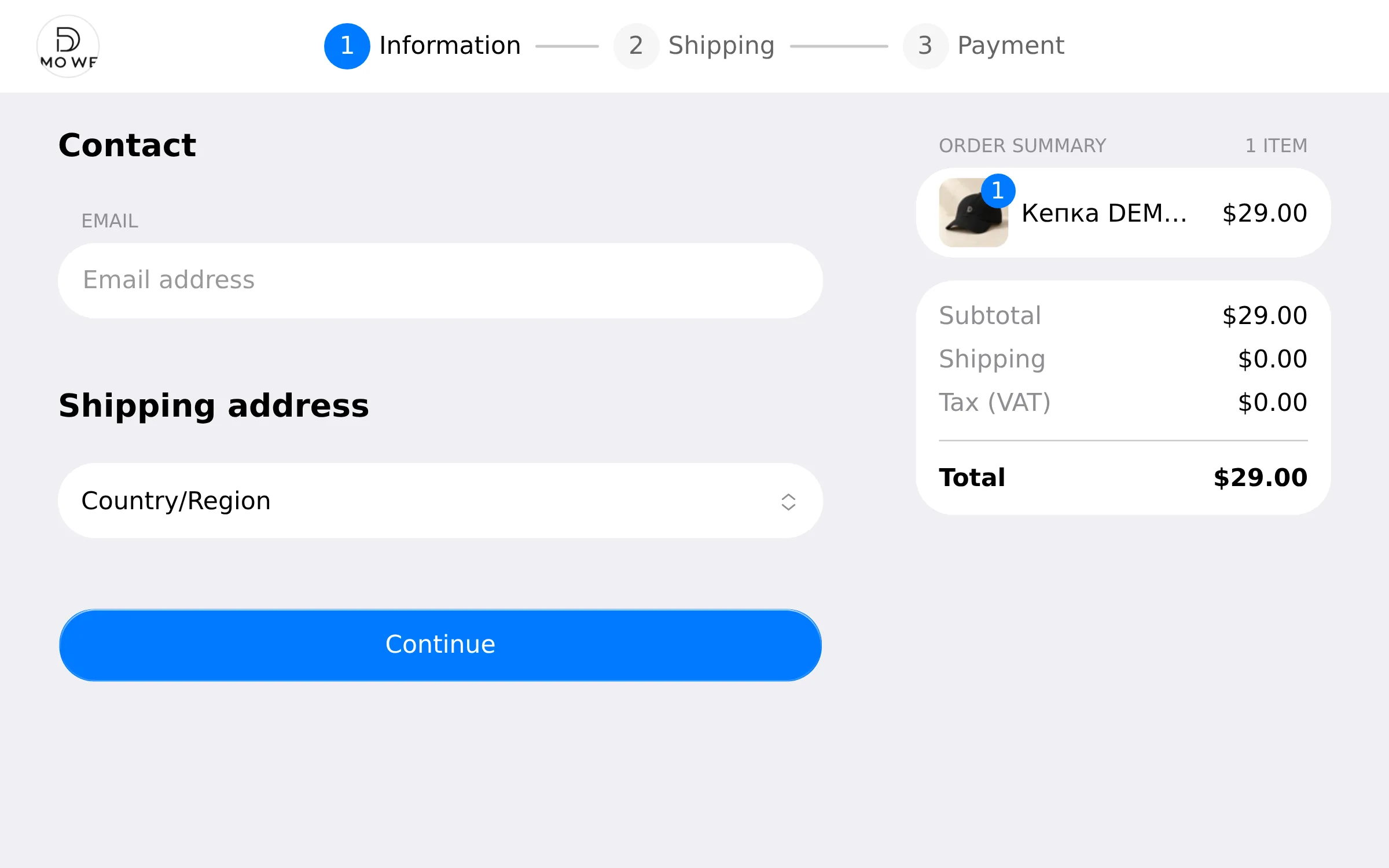
- 3CheckoutOpens in a new tab with the same cart.
- 4OrderArrives in your shop like any other.
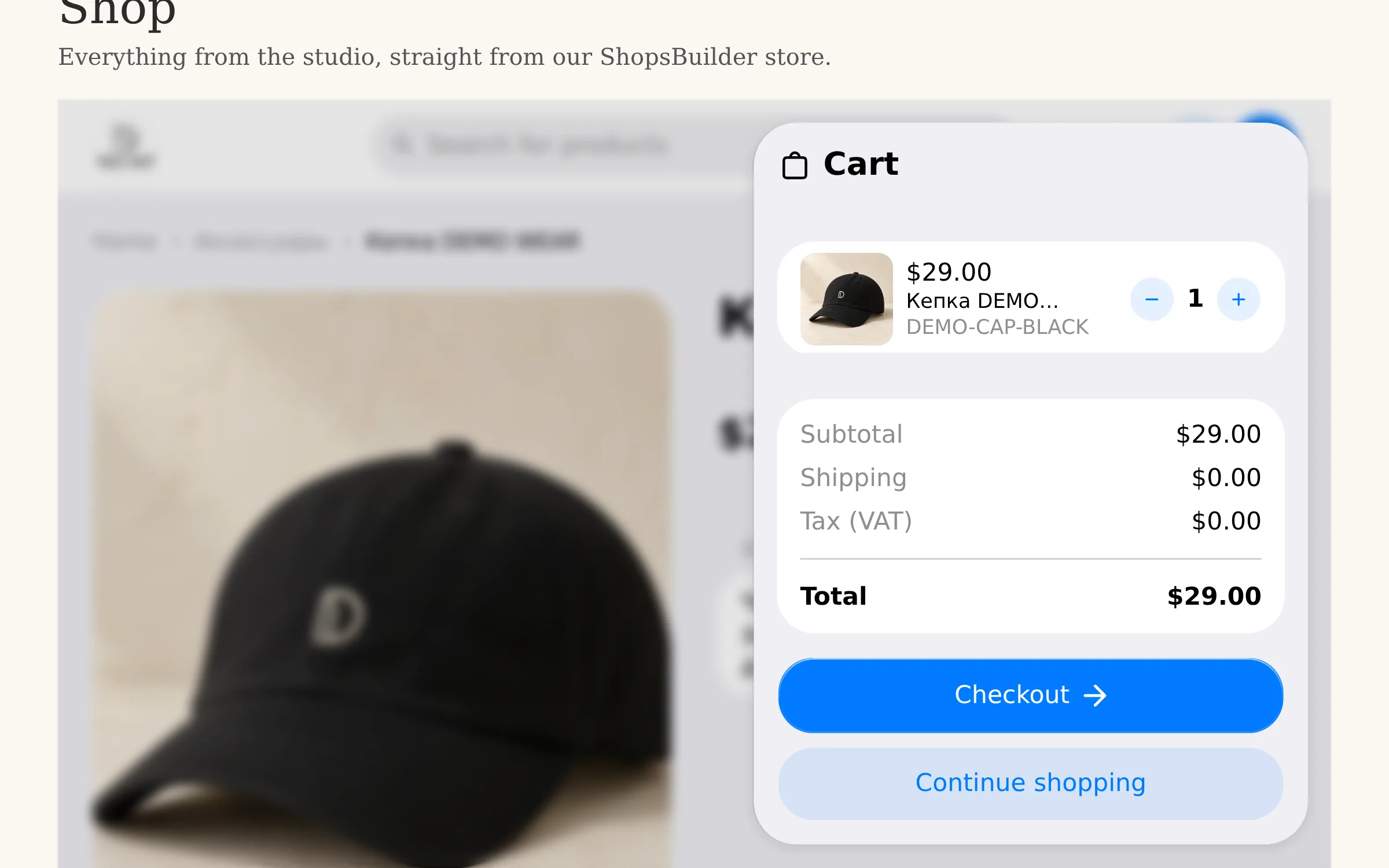
Payment runs in a new tab on the shop's own checkout. Browsers keep an embedded page's storage separate from the same shop opened directly, so the frame hands the cart over with a one-time link that expires after ten minutes. When the shopper comes back to your page, the cart is up to date.
Why we built it
We want a shop on ShopsBuilder to sell wherever its customers are: in Claude and ChatGPT, in shoppers' AI agents, on Google, and on the merchant's own site. Each place shows the same products and stock, and every order lands in one place. The embed covers the last of those, the site you already own.
Embedding is available for every live shop. To let AI shopping agents buy from you as well, see AI shopping agents.